
Artificial intelligence has become an essential part of the modern workplace. From writing emails and conducting research to automating repetitive tasks and creating presentations, AI tools can save hours of work every week.
However, relying on a single AI assistant for every task isn’t always the most effective approach. Each AI platform has unique strengths, and building a specialized toolkit allows you to work faster, produce higher-quality results, and streamline your daily workflow.
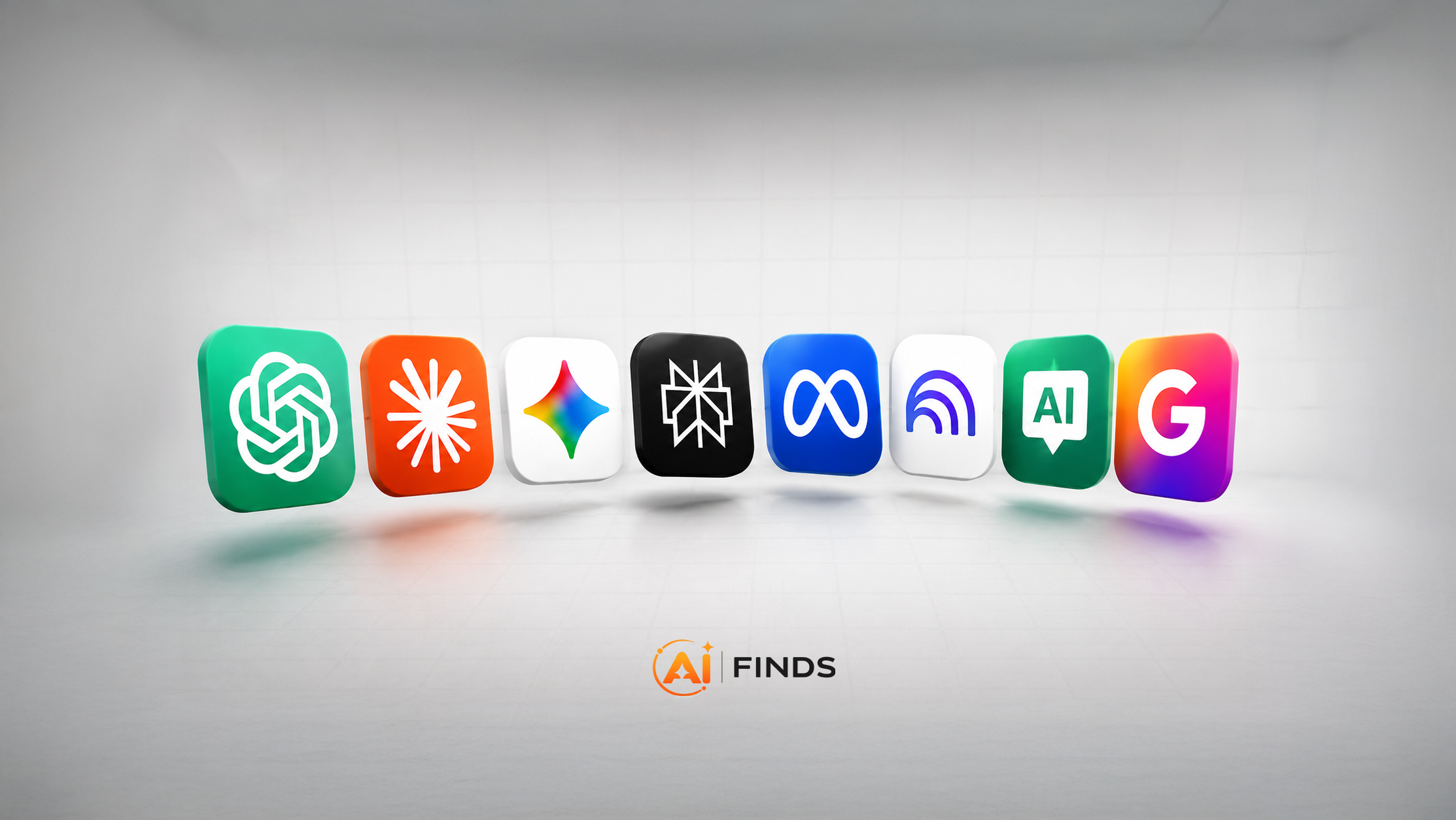
Here are the eight AI tools every professional should consider using in 2026.
1. Claude – Best for Professional Writing
Claude has become one of the leading AI assistants for professional writing. It excels at drafting polished emails, reports, proposals, documentation, and long-form content while maintaining a natural and consistent tone.
Why professionals choose Claude
- Produces clear, natural-sounding writing
- Handles long documents and lengthy email conversations
- Follows detailed writing instructions and style preferences
- Excellent for reports, proposals, and business communication
Best for: Business professionals, consultants, agencies, freelancers, and writers.
2. Perplexity – Best for Research
Perplexity combines AI-powered responses with live web search, making it one of the fastest ways to research almost any topic.
Instead of opening dozens of browser tabs, you receive concise answers supported by citations from reputable sources, making it easier to verify information.
Key features
- Live web search
- Source-backed answers with citations
- Deep Research mode for comprehensive reports
- Spaces for organizing different research projects
Best for: Researchers, students, marketers, journalists, analysts, and content creators.
3. Google AI Studio – Best Learning Assistant
Google AI Studio includes live capabilities that can help users learn software, troubleshoot problems, and receive real-time guidance while working.
When using supported live sharing features, the AI can help explain what’s on your screen and guide you through tasks step by step.
Ideal for
- Coding
- Video editing
- Graphic design
- Spreadsheet work
- Learning new software
Instead of switching between multiple tutorials, you can ask questions naturally and receive practical guidance while you work.
4. Notion AI – Best for Knowledge Management
Information is only valuable if you can quickly find it when you need it.
Notion AI transforms notes, meeting summaries, project documentation, and internal knowledge into an intelligent workspace where everything becomes easier to organize and search.
Highlights
- AI-generated meeting summaries
- Smart search across notes
- Action item generation
- Project documentation
- Team collaboration
Best for: Teams, startups, consultants, project managers, and knowledge workers.
5. Make – Best for Workflow Automation
Many business tasks are repetitive, from processing emails to updating spreadsheets and moving data between applications.
Make provides a visual automation platform that allows users to connect hundreds of apps and automate workflows without writing code.
Popular automations
- Lead management
- CRM updates
- Email processing
- Social media publishing
- File management
- AI-powered workflow automation
Its visual workflow builder makes even complex automations easy to understand and maintain.
6. NotebookLM – Best for Document Analysis
NotebookLM is designed to help you understand your own information rather than searching the entire internet.
Upload PDFs, reports, research papers, presentations, meeting notes, or transcripts, then ask questions based on those materials.
Features
- AI-generated summaries
- Answers grounded in your uploaded documents
- Study guides
- Frequently asked questions
- Audio Overviews that turn research into podcast-style conversations
Because NotebookLM primarily relies on the documents you provide, it can significantly reduce hallucinations compared with general-purpose AI assistants.
Best for: Students, researchers, educators, and professionals working with large amounts of documentation.
7. Claude for Teams & Business – Best for Business Operations
Claude can also support many day-to-day business workflows beyond writing.
When connected to compatible business tools and services, it can help streamline administrative work while keeping humans in control of important decisions.
Common use cases
- Contract drafting
- Invoice follow-ups
- Financial document analysis
- Cash flow planning
- Customer communication
- Business documentation
Claude can also assist with organizing information, summarizing financial reports, drafting contracts, and preparing business communications, helping small businesses reduce repetitive administrative work.
8. Gamma – Best for AI Presentations
Creating professional presentations often takes longer than preparing the actual content.
Gamma helps users generate visually appealing presentations from a simple prompt, complete with structured layouts, images, and modern designs.
Why professionals like Gamma
- AI-generated presentations
- Professionally designed layouts
- Automatic formatting
- Easy conversational editing
- Built-in tables, images, and visual elements
It’s an excellent tool for consultants, marketers, educators, startups, and business teams.
Why You Should Build an AI Stack
No single AI tool is the best at everything.
The most productive professionals use specialized tools for specialized tasks.
A practical workflow might look like this:
- Claude for professional writing and communication
- Perplexity for research and fact-finding
- Google AI Studio for learning and technical guidance
- Notion AI for organizing knowledge
- Make for workflow automation
- NotebookLM for document analysis
- Gamma for presentations
- ChatGPT for brainstorming, coding assistance, planning, creative work, and everyday productivity
Using the right AI for each task helps improve quality, reduce manual work, and save valuable time.
Final Thoughts
AI is no longer just a productivity boost—it’s becoming a core part of how professionals work every day.
Whether you’re a freelancer, entrepreneur, marketer, developer, educator, or business owner, building the right AI toolkit can help you write better, research faster, automate repetitive tasks, organize knowledge more efficiently, and create professional presentations in minutes.
Rather than relying on one AI assistant for everything, combine the strengths of specialized AI tools to build a workflow that fits your needs. In 2026, the professionals who succeed won’t simply use AI—they’ll know which AI tool is best for every job.
Quick Comparison
| Tool Name | Primary Use Case | Unique Standout Feature |
| Claude (Opus Model) | Professional Writing & Emailing | Claude Skills: Creates a reusable style profile from your past writing to perfectly match your natural tone and quirks. |
| Perplexity AI | Deep-Dive Research & Fact-Checking | Deep Research Mode: Cross-references dozens of live web sources to generate a comprehensive, structured research report in minutes. |
| Google AI Studio (Live Mode) | Real-Time Technical Tutoring | Screen-Share Interaction: Acts as an over-the-shoulder mentor that visually tracks your screen to help troubleshoot software errors interactively. |
| Notion AI | Centralized Workspace Note-Taking | Semantic Queries: Integrates notes directly next to your projects, allowing you to ask the AI conversational questions about past meetings. |
| Make | Visual Workflow Automation | Glass-Box AI Agent: Provides a completely visual canvas to track automated data paths alongside a reasoning panel to audit AI decisions before approval. |
| NotebookLM | Information Synthesis & Learning | Audio Overviews: Generates a highly realistic, podcast-style conversation between two AI hosts breaking down your uploaded documents. |
| Claude for Small Business | Back-Office Financial Admin | Financial Stack Integration: Links via “Cowork” directly to QuickBooks, PayPal, and DocuSign to automatically reconcile transactions and chase invoices. |
| Gamma AI | Rapid Presentation Design | Prompt-to-Presentation: Builds complete, logically laid-out slide decks from a single prompt and allows conversational redesigning on the fly. |

1 Comment
Pingback: Meta Unveils Muse Image: Everything You Need to Know – MyAIFinds